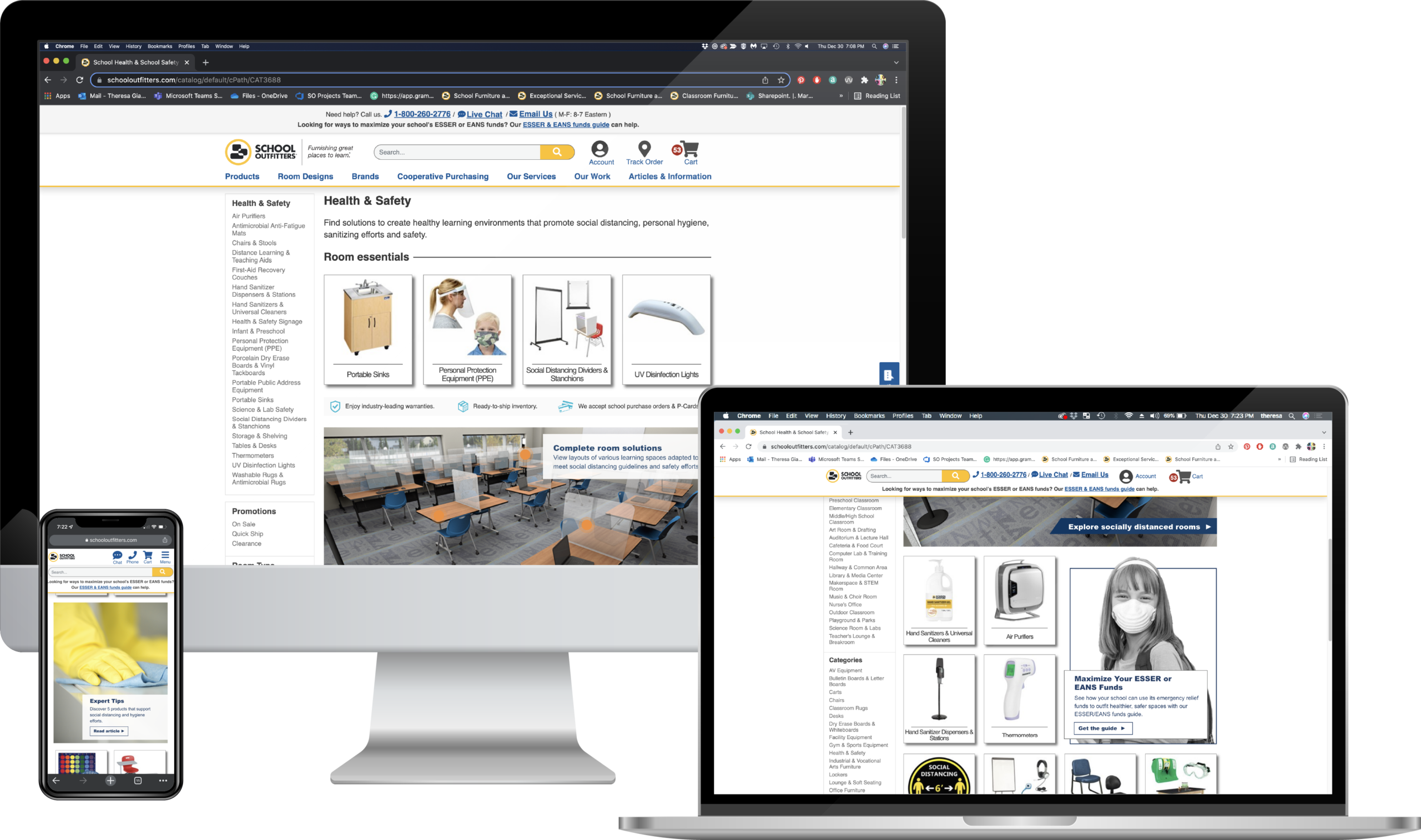
E-commerce website | Health & Safety Category page
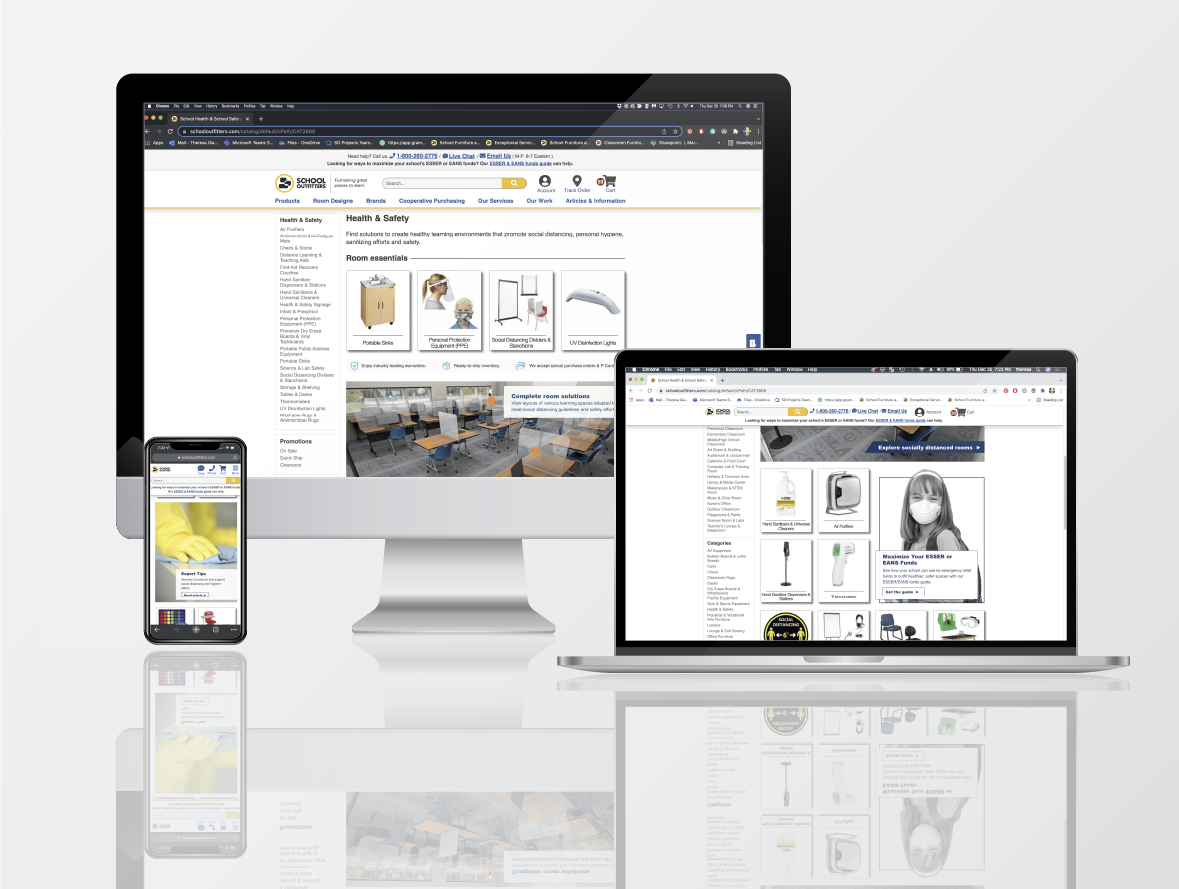
OBJECTIVE
Create a Health & Safety Category
Create a virtual one-stop shop to assist school administrators with navigating public health and safety resources and regulations during the Covid-19 pandemic. Offer products and databased solutions for safe, socially distanced classrooms and common spaces, as well as tools for virtual learning.
CHALLENGES
- Staying current with changing public health and safety guidelines and communicating these changes to a nationwide audience.
- Being mindful of images and content choices that both accurately reflect the gravity of the situation while reducing the user’s stress and cognitive load.
- Building trust by highlighting the tested and certified effectiveness of anti-microbial and disinfecting products.
- Empowering educators and administrators with guides to socially-distant classrooms, in-class hygiene practices, virtual learning tools, and emergency relief funding.
- Ensuring accuracy of changing information while on a tight deadline.
- Keeping merchandising of products current with international supply chain issues.
ACHIEVEMENTS
- Created an adaptable, responsive, easy-to-navigate one-stop resource for educators and administrators.
- Pivoted focus of merchandising and solutions to maintaining safe and hygienic learning environments, as well as funds available to eligible school districts.
- Design elements and content can be easily updated to reflect current practices and regulations.
- To maximize impact and visibility, Health & Safety elements are displayed throughout the site.
- This project was personally rewarding in helping children and educators during a global crisis.
PROCESS
Utilized design thinking to get to the root of any barriers customers may have while making an informed purchase.
By combining data-driven user research, UX and e-commerce best practices, along with creative problem-solving, we were able to deliver a comprehensive, easy-to-navigate Health & Safety online resource.
Empathize & Define
- Identify customer pain points based on analytics reports, sales information, heat maps, user feedback, and other data.
- Determine where users get stuck or experience cognitive overload.
Ideate
- Using defined best practices and user feedback to guide the user through the decision-making process.
- Getting creative and generating possible solutions through brainstorming, sketching, role-playing, developing moodboards, and revisiting previously ideated material.
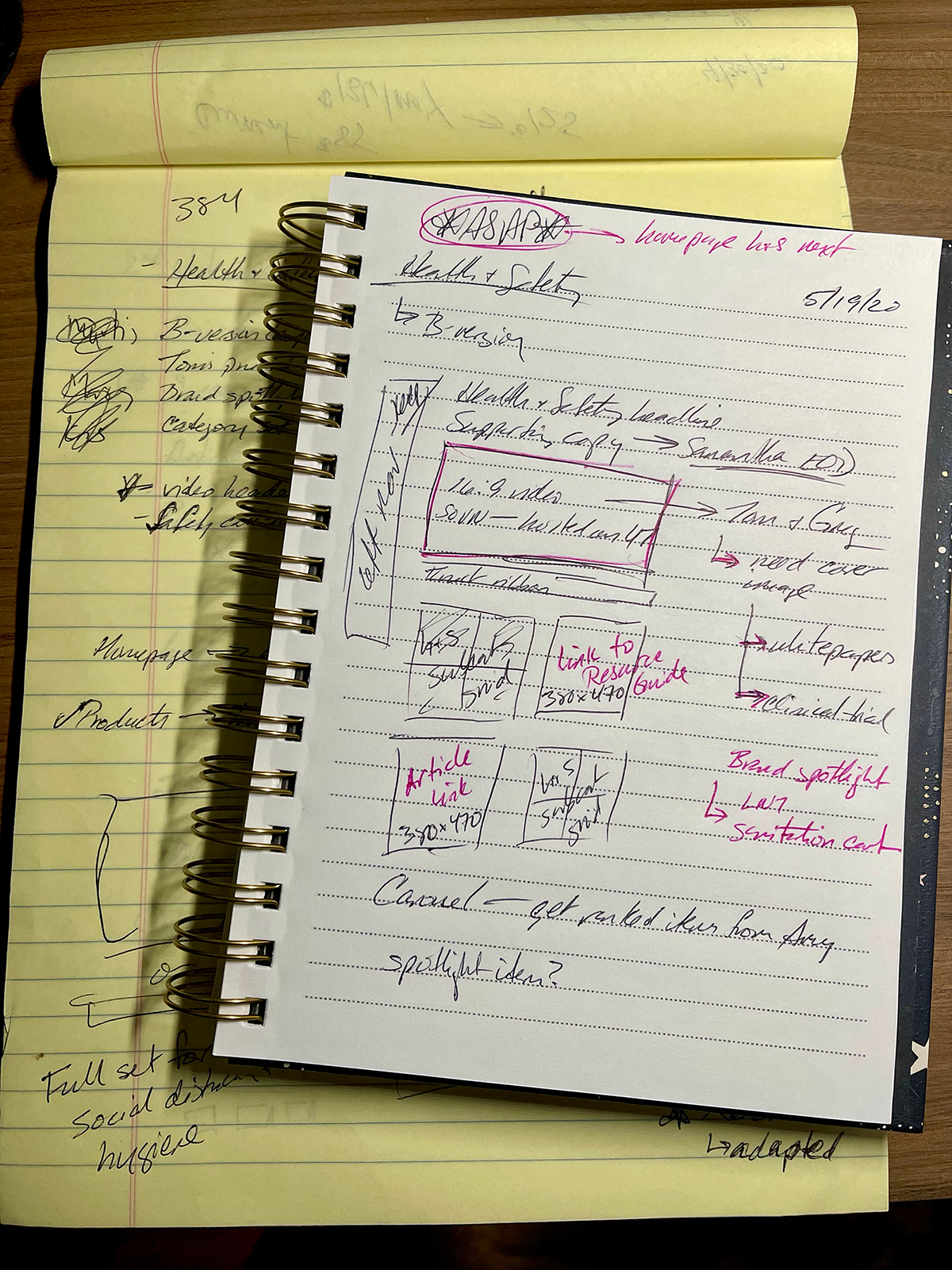
Health & Safety Category Page | Desktop sketches
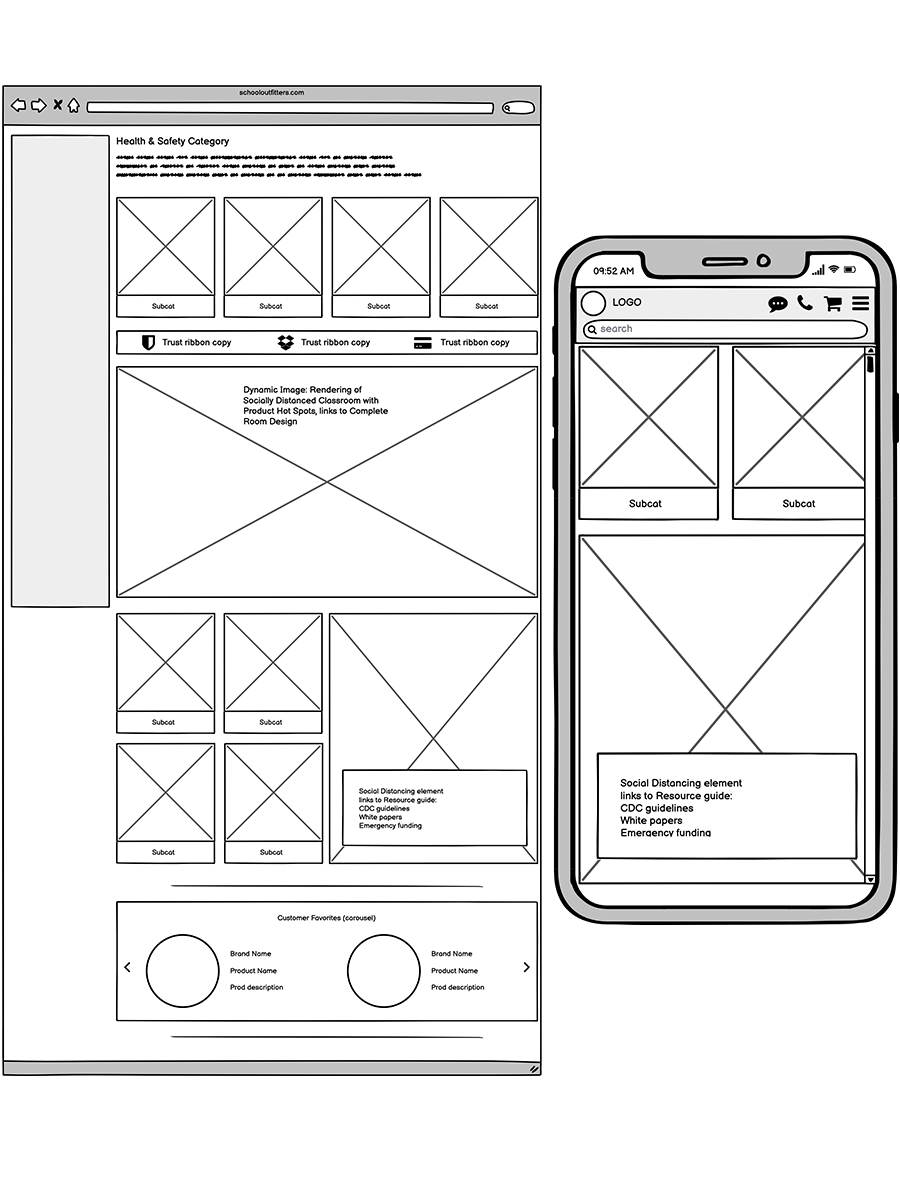
Health & Safety Category Page | Desktop and responsive wireframes
Prototyping
- Create multiple wireframe concepts illustrating the user click-through path with the more intuitive component structure.
- Deliver low-fi prototypes to the team.
- Run concepts through user-testing.
- Refine prototypes with feedback from team members and stakeholders.
- Review and edit each phase’s acceptance criteria in Azure DevOps.
- Handoff all finalized assets and meticulously annotated redline specs for desktop and mobile to our remote development team.
- Address any areas that need further clarification.
Test
- Test through each phase as it becomes available in QA; document any issues with supporting screenshots showing possible fix in code.
- Test all updates in the Staging environment.
- Discuss the results of A/B testing with the analytics team and stakeholders; design decisions are then validated or updated based on user behavior.
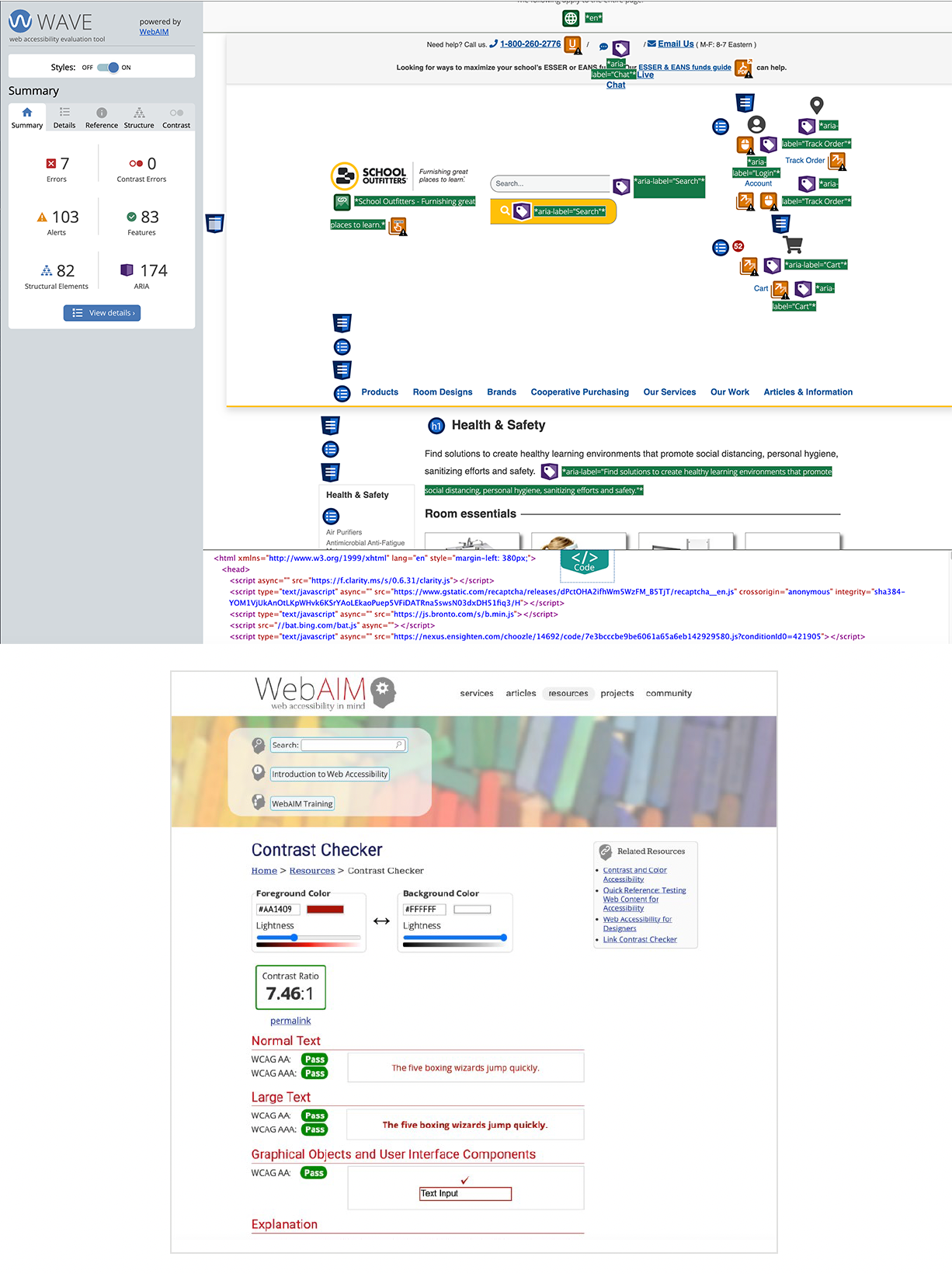
Health & Safety Category Page | WCAG compliance testing sample
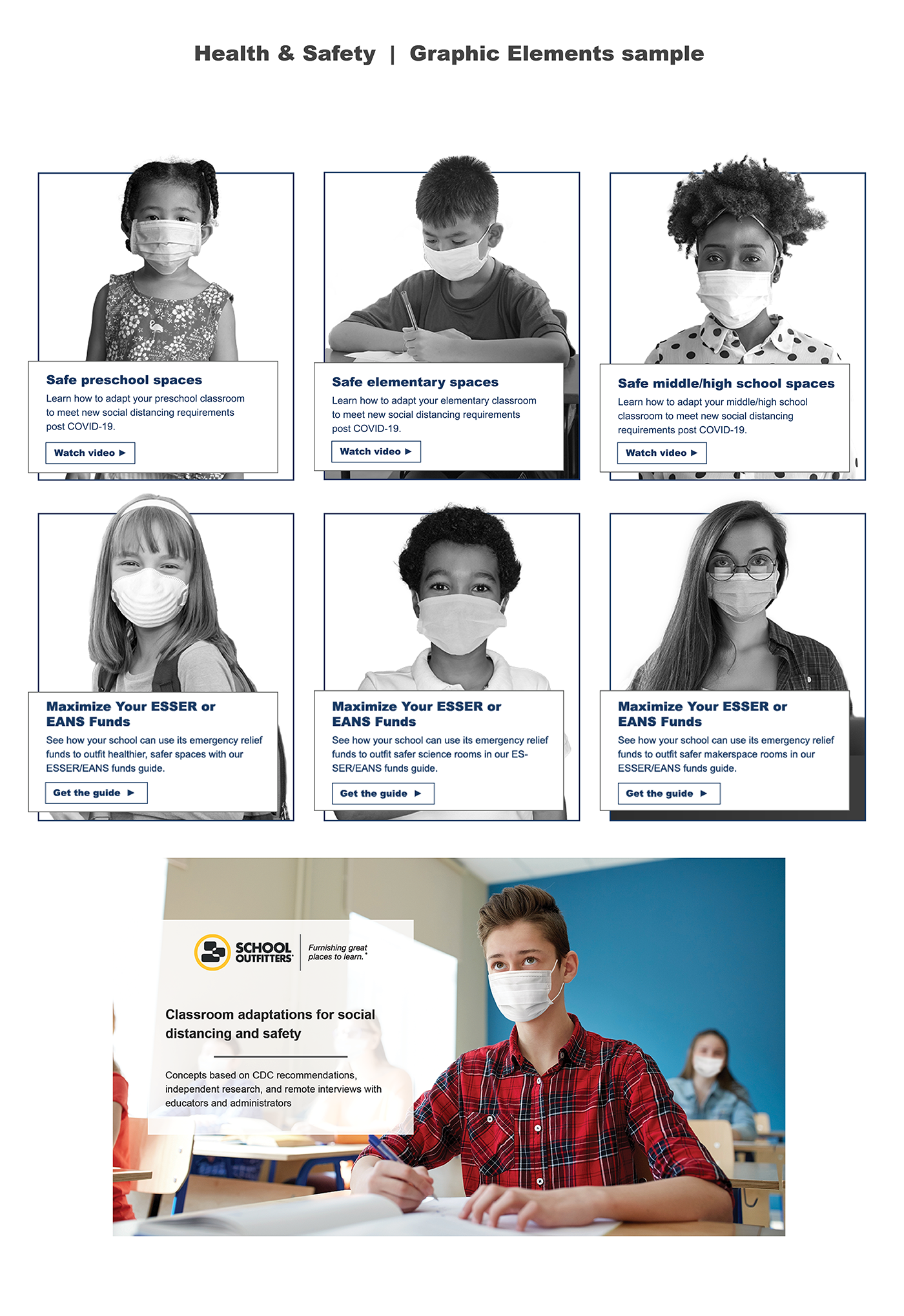
Health & Safety Category Page | Graphic elements sample
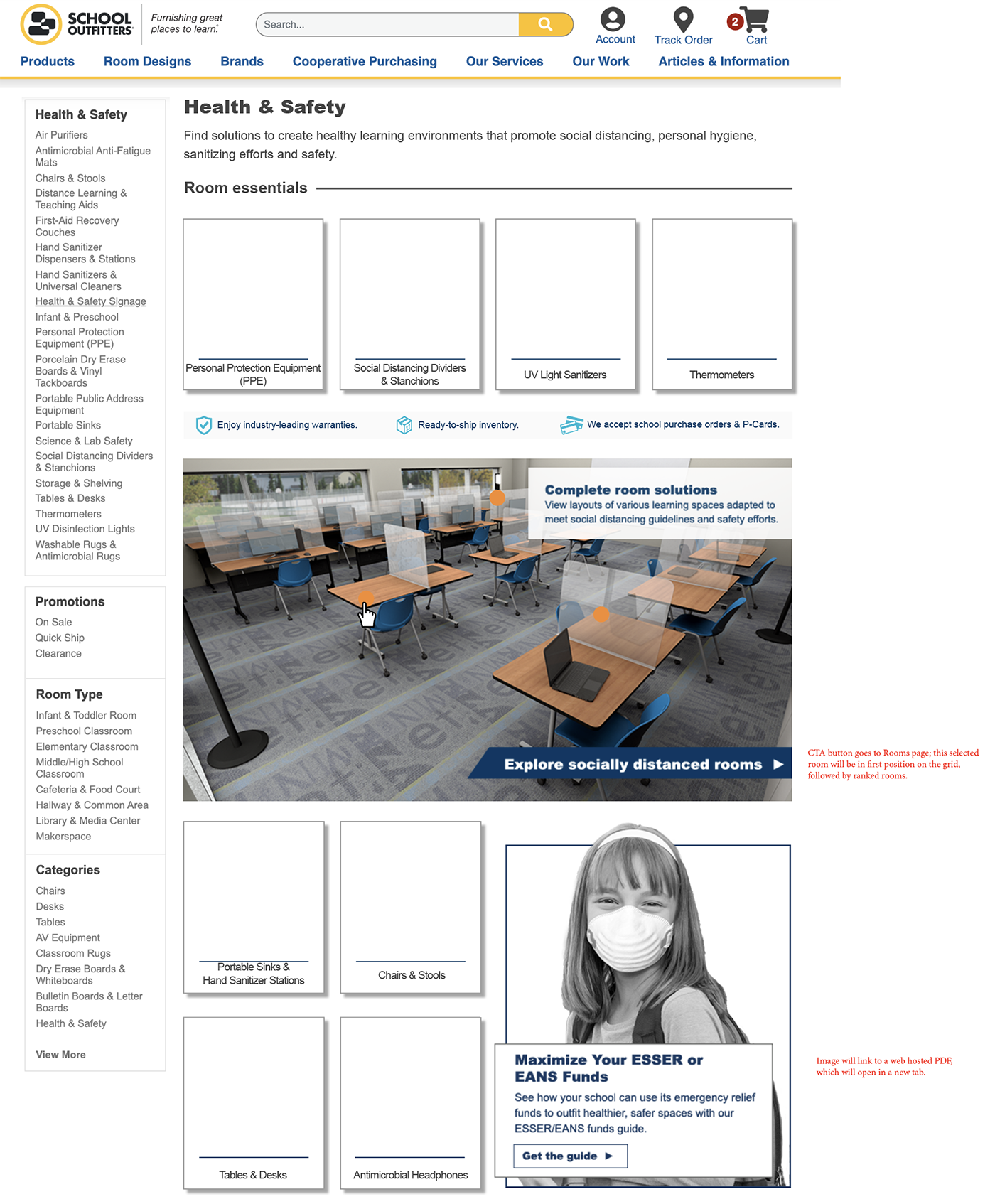
Health & Safety Category Page | Desktop redlines, dynamic image version
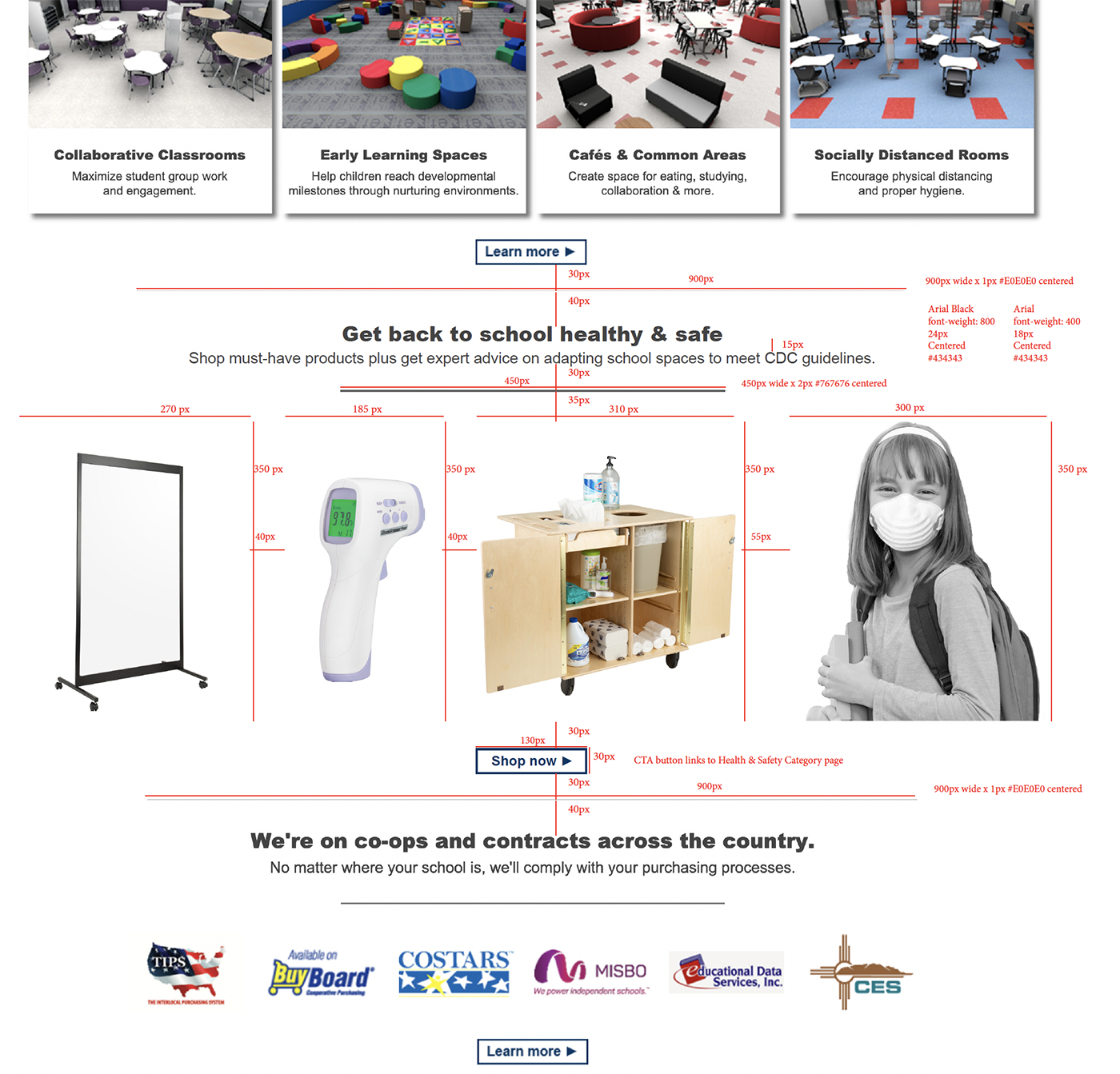
Health & Safety Category Page | Homepage highlight redlines